A new mechanic; Incoming Call Prompt has been added, to add an additional layer to dialogue in-game, and make incoming transmissions less annoying by allowing player to accept them before controllers are frozen or camera is overridden. Using this feature, the Mission 1 Tutorial can now be muted/disabled for experienced players. A new weapon type; Heavy Sniper has been introduced, accompanied with certain Sniper Positions in-game to allow for long-range kills. A new cutscene has been added to M4: Operation Hourglass, showing the prisoner taken to the Detention Center.
The Start Screen have been completely overhauled, parsing the Title Logo into individual letters with some juicy VFX, and Character artwork panning across the screen. The Demo finally has its identity more clear with the corresponding Logo Subtitle; “Arctic Strike” as opposed to “Feline Warfare“. Additionally, many bugfixes have been ironed over, but most importantly…..
The coffee machine is now functional! I bet most players have been waiting in anticipation for this. Head over the nearest in-game kitchen at your convenience.
V0.8.79 Changelog:
- “ALL OBJECTIVES CLEAR” UI effect when attained (Functional now)
- Properly parsed Score Number in Debrief Screen (now 100,000 instead of 100000)
- Asset production
- Animated FD prisoner (M4: Operation Hourglass)
- Animated conveyor belt
- Modular kitchen assets
- Improved “Icescape” Pointy Mountain Scenery (M1: Operation Arctic Strike)
- Improved Glacier Scenery (M1: Operation Arctic Strike)
- Added Cutscene; Prisoner taken to Detention Center (M4: Operation Hourglass)
- Made application default to English if localized language is missing
- Bugfix: Corrected glitching / ledge-grabbing through terrain in multiple places
- Made elevator(s) change default starting position to nearby player floor in multiple scenes for convenience
- Added new “catwalk”-lamp for level aesthetics
- Streamlined UI windows in Mission Briefing
- Implemented Language Screen w/ functionality (currently inaccessible)
- Level design progress to M3: Operation Anvil
- New mechanic: Accept Incoming Call prompt
- Bugfix: Made save data account for Player Character (Rushaug/DW/Rex/Duchess)
- Added clearer Demo Identity (Rushaug: Arctic Strike)
- Unique Startscreen Visuals (Demo/Full Version-specific)
- Inaccessible missions labelled “Available in Rushaug: Feline Warfare”
- Startscreen overhaul
- Parsed Title Logo into individual letters with fancy VFX
- Character artworks panning across screen
- UI Localization for Spanish/Catalan/Norwegian (Currently inaccessible without dev tools)
- Orange outline to highlighted button (For more readability)
- New Feature: Intel Room
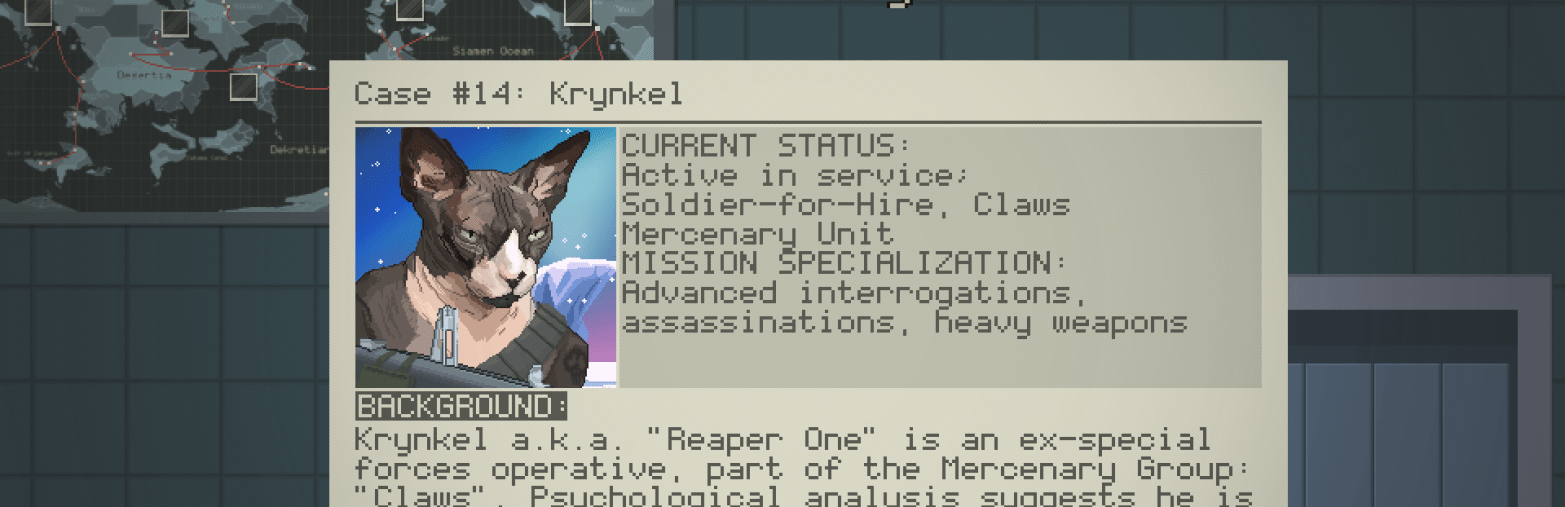
- Collected dossiers are now accessible to inspect and read
- Made a new cursor state while hovering over CCTV, indicating alarm will be triggered if destroyed
- Options Screen: Made Music/SFX-sliders adjustable with cursor
- New Weapon / Weapon Type: Heavy Sniper
- SSRI-9 (Based on CheyTac Intervention M200)
- Added “Sniper Positions” for long-range kills, accessible if player has Heavy Sniper equipped
- Made Weapon Box display the word “Melee” if knife is equipped
- Animated “Made by Tobias Edvardsen” into a sprite at opening credit
- Bugfix: Player light disappearing under certain circumstances
- Bugfix: Ordnance throw measure dots remaining after player is killed
- Made Coffee Machine functional (Gives short stamina/healing-boost)
- Removed blue pixel on the way to the Detention Center
- Bugfix: Enemy drone not affected by pausing game
- Added a new hidden ventilation at Helipad (M1: Operation Arctic Strike)
- Bugfix: Made Krynkel move correctly during cutscene
- Made Krynkel Entrance Cutscene skippable
- Bugfix: Fixed Briefing Sequence freeze at faulty transparency value for UI Window
 tobiasedvardsen